 For Google Meet
Psst… offer them the annual plandon’t quote a price yetask about volumelet’s wrap up in 5mention the free onboarding
A short message to your teammate, mid-meeting with a client, that only they can see.

Free during the beta · No card needed · Ready in 2 minutes
 Mark (client)
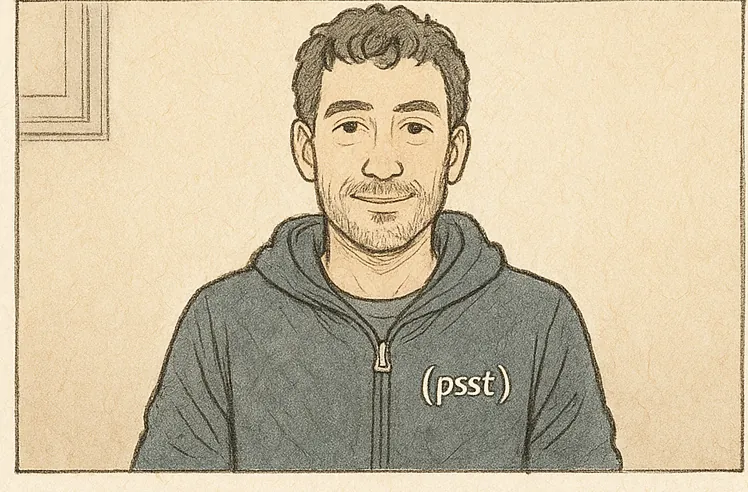 Alex (you)
 Sarah (client)
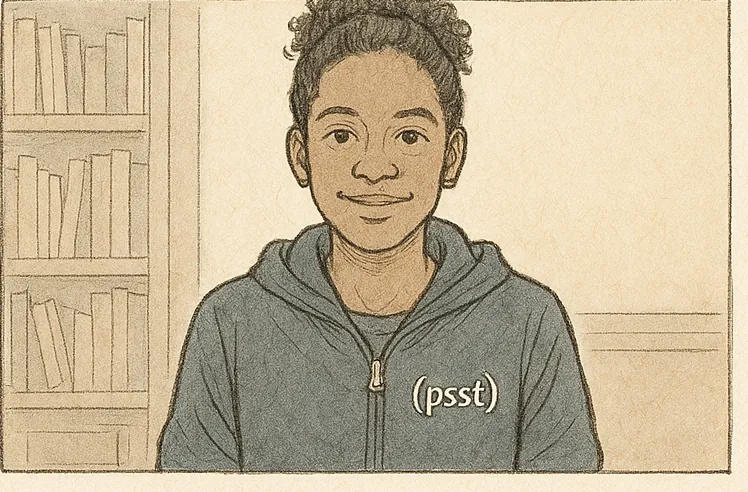 sentEmmaEmmaEmma(psst)Mark (client)Sarah (client)Emma (you)
What you use today doesn’t get there in time.
- Mark (client)Chat · nowAlex: don’t quote a price yetthe client saw it
 Slack
SlackThey don’t see it: they’re looking at the meeting, not another app. And the notification can pop up on a shared screen.
- 10:42Alexdon’t quote a price yet+12 minread it when it was too late
 WhatsApp
Nobody checks their phone while talking to a client. They read it when it’s too late.
- In-call messagesAlexdon’t quote a price yetdon’t quote a price yeteveryone read it, the client toodon’t quote a price yetMarkAlex (you)don’t quote a price yetSarahdon’t quote a price yetEmmaMeet chat
Everyone gets it, the client included. Meet has no one-to-one messages.
Psst puts it where your teammate is already looking: the face of whoever sent it. And nobody else sees it, no margin for error.
How it works
- Your teama teammate’s emailemma@acme.comAddAlex (you)Emmainvitedaccepted
Install and create your team
Sign in with Google and add your teammates by email. They get a link and that's it.
- Alex’s screennothing else changesMarkAlex (you)SarahEmma(psst)
Join the meeting together
A quiet grey mark appears next to the name of every teammate who has Psst. Nothing else in Meet changes.
- Emma’s screenAlex’s screenDon’t quote a price yet, ask about volumeReplyReplyAlex(psst)A×AlexDon’t quote a price yet, ask about volumeSure. What if they ask for a discount?38/140YouDon’t quote a price yet, ask about volumeSure. What if they ask for a discount?ReplyReplyEmma(psst)
Click their tile and type
Up to 140 characters, to one person or several. It shows over your camera and fades in 7 seconds; a thumb tells you if it’s a go or not, or they reply right there.
If anyone is presenting, Psst locks.
That’s the promise: no message can ever appear on a screen other people can see.
- If you share your screen, Psst hides before Meet starts streaming it.
- If your teammate is presenting, you can’t write to them: their tile won’t open and says “presenting”.
- Messages are drawn in your browser. They never appear in the video, the recording or the transcript.
Actually private
End-to-end encrypted
The server relays the message and can’t read it.
Gone in 7 seconds
Shows for 7 seconds and disappears, and so do the thumb and the reply. Stored nowhere.
No history
No inbox, no panel, no search. What you didn’t see doesn’t exist.
140 characters
Just enough for “don’t forget to mention support”.
AlexrelayEmmaDon’t quote a price yet: ask aboutvolume and how many people willuse it, then pitch the annualWho it’s for
don’t quote a price yet
Sales duos
“Don’t quote yet.” “Ask about volume.” “Let’s wrap up in 5.”
you take the investor question
Co-founders
Demos, investors, vendors: coordinate without interrupting or exchanging looks.
that ticket is from last week
Teams that serve together
Support, customer success, agencies with their client on the call.
What it’s not for: covert help to someone expected to act alone, like exams or interviews. It’s in the terms and we mean it.
Why Psst exists
We sell over Meet every day. And the “don’t waive the setup fee for these guys” on Slack always arrived too late: we had already waived it or, worse, the notification popped up on the shared screen.
I built Psst to tell my teammate something right then, on their screen, without anyone else seeing it. It’s what every call was missing.
Pricing
One plan, for the whole team
USD 4.99 per month per teamFree during the beta
- Unlimited seats: add your whole team.
- Unlimited messages, encrypted and ephemeral.
- No card. When the beta ends we’ll tell you before charging anything.
The final price may change before launch; beta teams will hear first.
Frequently asked questions
Can the client see the Psst?
No. Only the person you send it to sees it, in their Meet tab, and only if they have Psst and are on your team. It never shows up in the video, the recording or the transcript.
Is it recorded or stored?
No. It shows for 7 seconds and disappears. It travels end-to-end encrypted: nobody else can read it, not even us.
What if I share my screen?
If you present from Meet, Psst hides before Meet starts streaming, and nobody can write to whoever is presenting. If you share with another app (Zoom, OBS), Psst can’t detect it.
Does it work in Zoom or Teams?
Today, only in Google Meet, on Chrome.
Do I need my Google Workspace admin?
No. Each person installs the extension and signs in with their Google account. If you’re an admin and want to install it for the whole domain, there’s a guide for that.
Read the admin guideWhat happens when the beta ends?
The plan will cost USD 4.99 per month per team, with unlimited seats. We’ll tell you before charging anything.
Try Psst in your next meeting.
 Add to Chrome
Free during the beta · No card needed · Ready in 2 minutes